
MaikyPaint: turn a blank canvas into your own small experiment
Draw, spray, fill, erase, and undo inside a retro paint-window sandbox. MaikyPaint offers a playful creative session on Oppoz with room for both rough marks and careful details.
The next goal is yours to choose
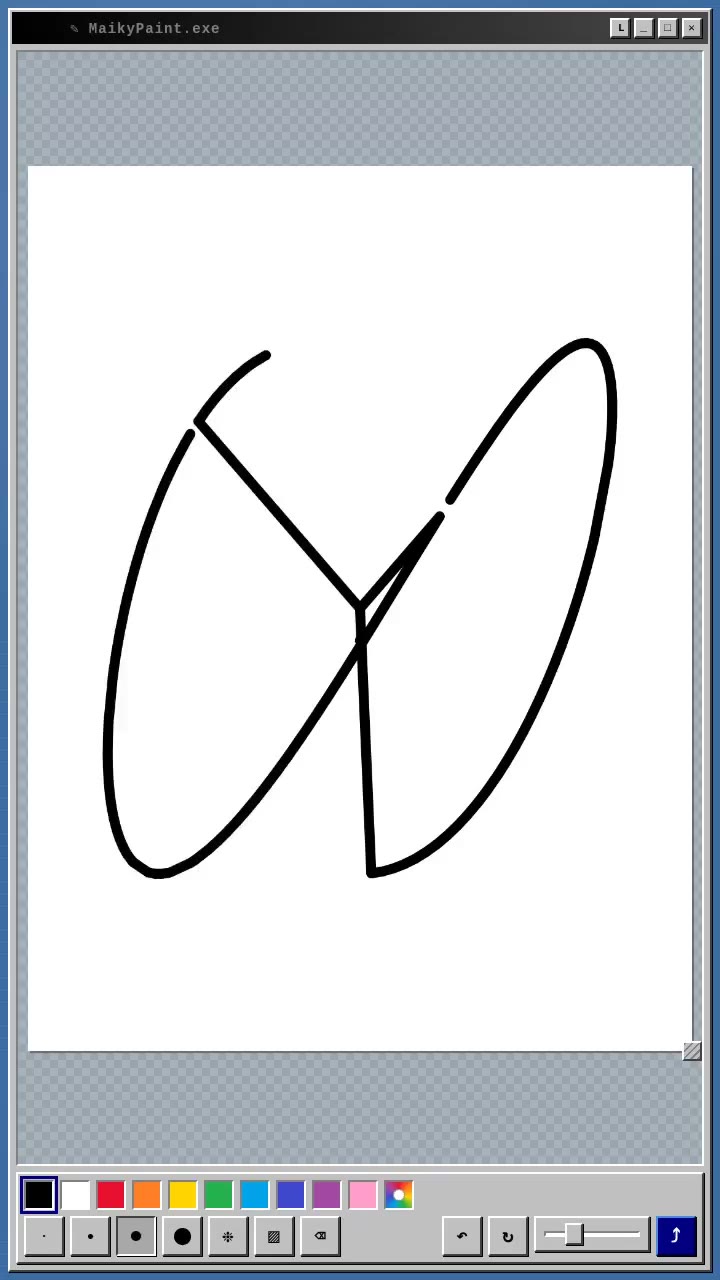
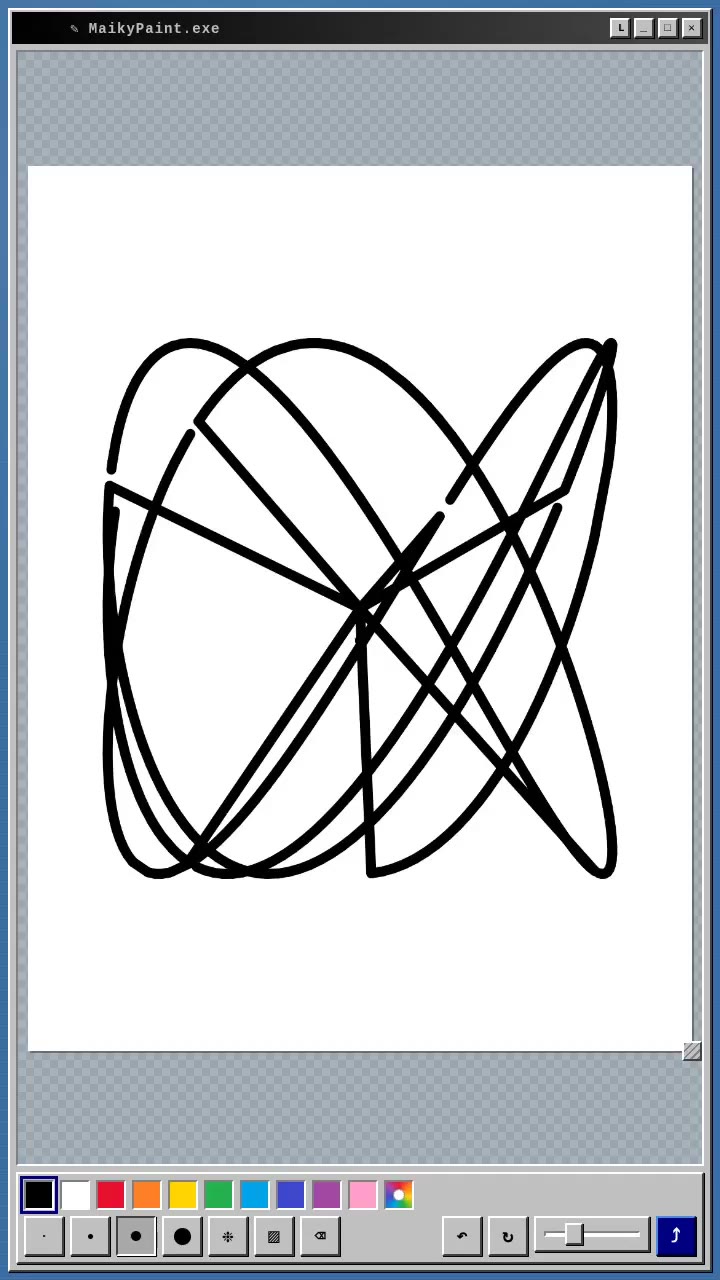
MaikyPaint opens a white drawing surface inside a retro desktop-style window. The palette and tools sit below the canvas, ready for a mark rather than a prescribed objective. You can begin with a doodle, invent a character, fill a shape with colour, or explore what a different brush size does to a line. The result grows from the choices you make on the surface.
The verified Oppoz build calls the experience MaikyPaint.exe, but it runs as a browser drawing sandbox. Its old-fashioned window border is part of the presentation. The creative activity happens directly on the canvas, with visible colours, tool buttons, and undo controls keeping the next experiment close at hand.
How to play: choose a tool and make a mark
Select a palette swatch, choose a brush size, and drag over the canvas to draw. A colour-wheel control opens a custom colour choice when the standard swatches do not fit your idea. Different line widths can turn the same gesture into a small detail or a bold outline. Begin with a few marks to learn how much space each width occupies.
Spray, Fill, and Eraser provide other ways to change the surface. Spray builds a scattered pattern while you hold the tool in place or move it. Fill changes a connected region with one tap, while Eraser paints an area back to white. The tools work differently, so changing the tool can be more useful than trying to achieve every effect with another careful line.
A drawing surface that can change with the idea
The current build allows the canvas orientation to switch, and a corner handle resizes its dimensions. Existing artwork transfers to the changed surface rather than being redrawn from scratch. These controls let you reconsider the shape of the space as the picture develops. A tall character sketch and a wide landscape do not need the same frame.
Pinching with two fingers zooms the view, and on desktop you can hold Space and drag to pan when zoomed in. The work-scale slider changes the displayed workspace size. These are useful ways to alternate between a small detail and the whole picture. A larger view of a detail can help you place a line, while stepping back shows whether it fits the surrounding shapes.
Why undo can encourage another attempt
Undo restores an earlier drawing state, and the current code also records canvas-size changes for undo. That makes a rough experiment less final. You can try a broader mark, inspect what it contributes, and reverse it if the picture would work better another way. The Reset action asks before clearing the whole surface, distinguishing one local correction from starting again.
My interpretation of the design is that familiar paint controls make exploration feel accessible. Immediate marks show the effect of a gesture, while undo reduces the cost of testing a variation. The pleasure can come from discovering a shape rather than meeting a target chosen by the game. These are observations about the interaction, not documented developer intentions or claims about psychological benefits.
Give a short session one small prompt
Try drawing a simple creature using only two colours, or make an outline and see how Fill changes it. Another useful exercise is to repeat one shape with several brush widths, then decide which version best suits the picture. A small self-chosen constraint gives the blank page a starting point while leaving the final image open to your decisions.
The sharing controls can prepare the artwork as a PNG or present an image-saving view, depending on what the browser supports. Save a result you want to keep before leaving the session. The gallery below contains genuine drawing frames from MaikyPaint’s official Oppoz preview, showing marks accumulating on the canvas. Follow the verified play link, choose a colour, and let the first line suggest what you try next.
Inside the game