
Shadow Assembly: find the silhouette hiding inside a sculpture
Twenty-four spatial puzzles turn quarter-rotations into silhouettes, with an optional second view that changes what counts as a solution.
The object and its outline tell different stories
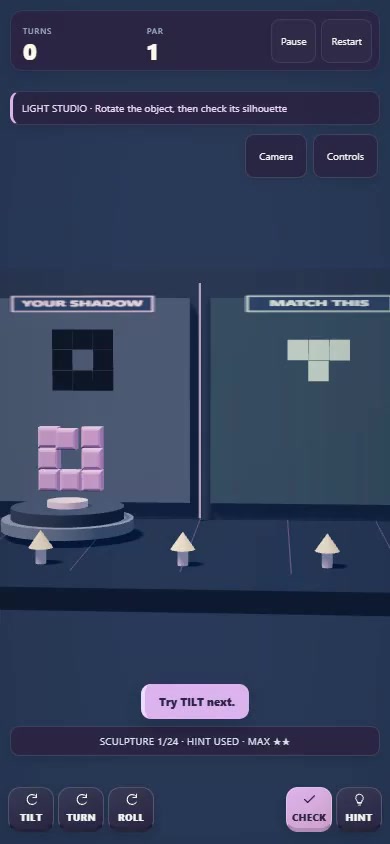
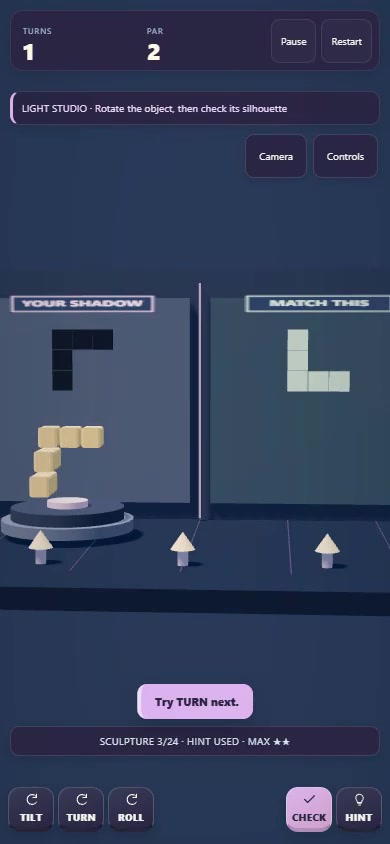
Shadow Assembly places a block sculpture in a small illuminated studio. On the left is the shadow made by its current orientation; on the right is the silhouette you need to match. Your task is to rotate the sculpture until those two flat shapes agree. The object itself can look quite different from its target, because blocks that are separate in depth can overlap when viewed as a silhouette.
The current game contains twenty-four sculptures. Its appeal begins with that mismatch between what you see in three dimensions and what survives in a projection. An opening may disappear after a rotation, or a protruding piece may merge into a larger outline. You are not placing new blocks or changing the sculpture. You are discovering which existing arrangement becomes visible from a different orientation.
Three buttons, three different rotations
TILT rotates around the X axis, TURN around Y, and ROLL around Z. The keyboard equivalents are X, Y and Z. Each input makes a quarter-turn. Let the short turning animation settle before comparing the resulting shadow, then use CHECK or Space when you think the outline matches. A camera control switches between the studio and front view, which can help you inspect the scene.
Begin by watching one rotation at a time. Notice whether it changes the outline, exposes a gap or simply rearranges depth that the shadow cannot show. The target is a flat arrangement, so comparing only the overall width and height is insufficient. Look at internal holes, missing corners and the lengths of individual arms. Those smaller details distinguish a convincing resemblance from an actual match.
Dual View asks for a stronger solution
The optional Dual View mode can be enabled from the menu. It adds a side silhouette alongside the front constraint. FACE, or F on a keyboard, changes which silhouette you are comparing without spending a rotation. Both views must match before CHECK accepts the result. The interface reports the status of the front and side matches, so you can see which part of the problem remains unresolved.
This creates a meaningful variation on a familiar sculpture. A front outline can hide several possible arrangements in depth; a second projection reveals information the first one cannot. An orientation that looks finished from one face may still be wrong from the other. Switch faces before committing to another turn, and think about whether your next rotation will preserve the match you already have.
Hints and par give replays a purpose
The display tracks turns against a target par. Finishing within par without hints earns three stars. HINT, or H, suggests a next rotation from the current orientation, but using it caps the run at two stars. If the silhouette already matches, the hint directs you to CHECK. That makes assistance useful for interpreting a position as well as recovering from a sequence of uncertain rotations.
On a first attempt, concentrate on understanding what the axes do. On a second, try to reduce unnecessary turns. Repeating a quarter-turn four times restores that axis's full revolution, but a mixed sequence can be harder to mentally retrace. Before pressing another button, predict one visible change and compare it with the result. Even an incorrect prediction can teach you more than cycling through inputs without a question in mind.
Why the reveal feels rewarding
Our reading of the design is that the satisfying moment comes when an unfamiliar object suddenly becomes a recognizable outline. The sculpture has not changed, but your understanding of it has. Discrete quarter-turns make that discovery manageable: each action produces a distinct state that can be inspected. The separate CHECK action gives you a moment to decide whether you understand the result before submitting it.
That is analysis of the implemented mechanics, not a claim about a developer interview or a measured psychological effect. Dual View extends the same idea by asking you to reconcile two pieces of evidence. Par and optional hints offer different levels of commitment, allowing a player to pursue either the basic reveal or a more efficient solution to the same spatial problem.
Play the verified release
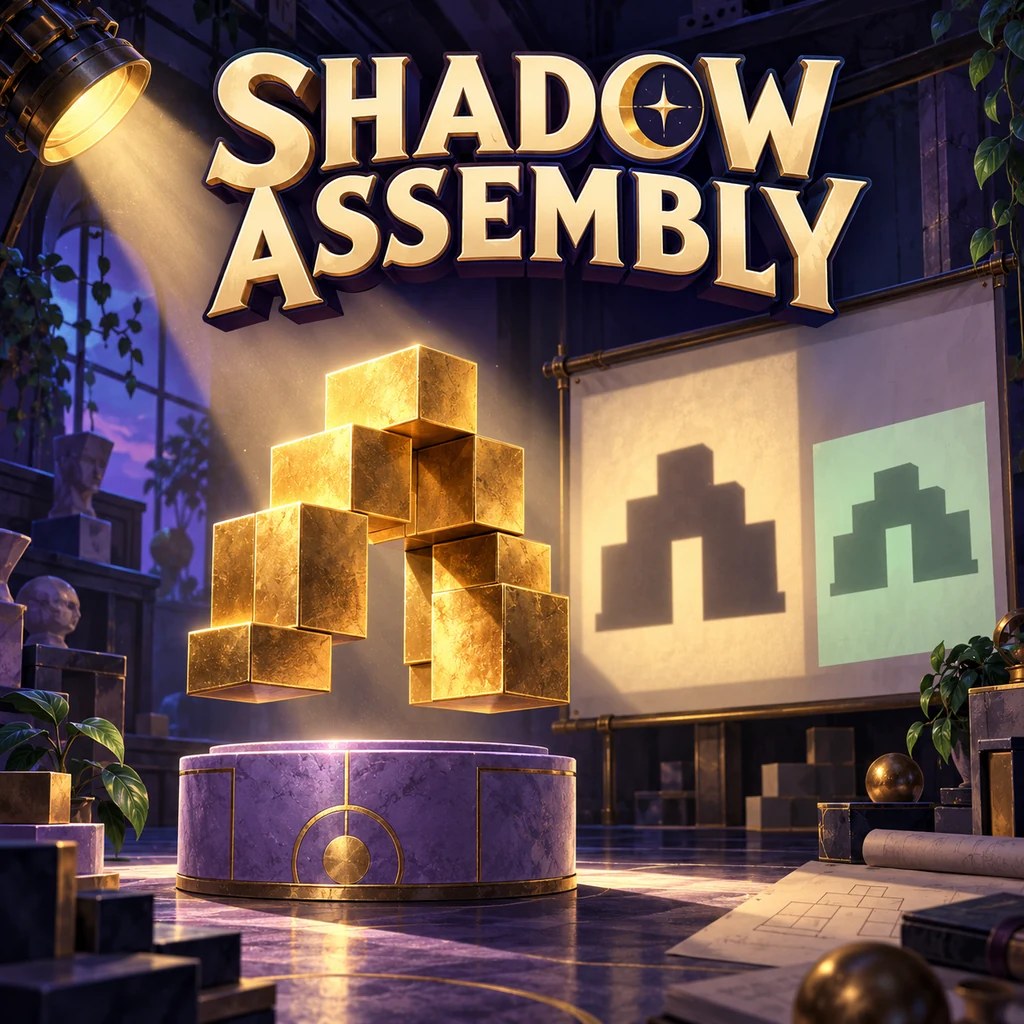
Use the named Oppoz link in Where to play below. The gallery shows real frames from the game's official preview, while the cover is promotional artwork. Searches on CrazyGames, Playgama and Google Play did not establish a matching external release for this exact portfolio game. Those destinations remain unverified, rather than presumed unavailable; only the confirmed playable release is linked here.
Inside the game