
Solitaire on Oppoz: make room before the next draw
Choose Draw 1 or Draw 3, uncover the tableau, and build four foundations from Ace to King. A guide to the current Klondike game and its useful browser controls.
A familiar deal with room to think
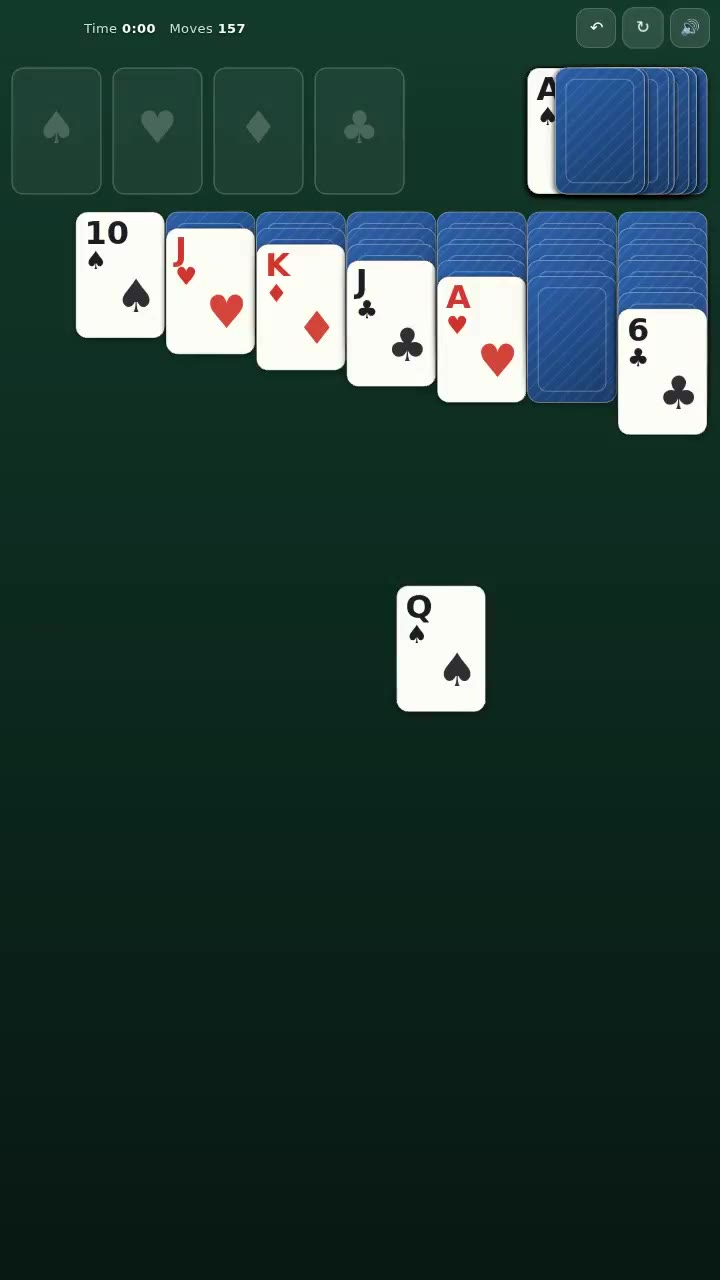
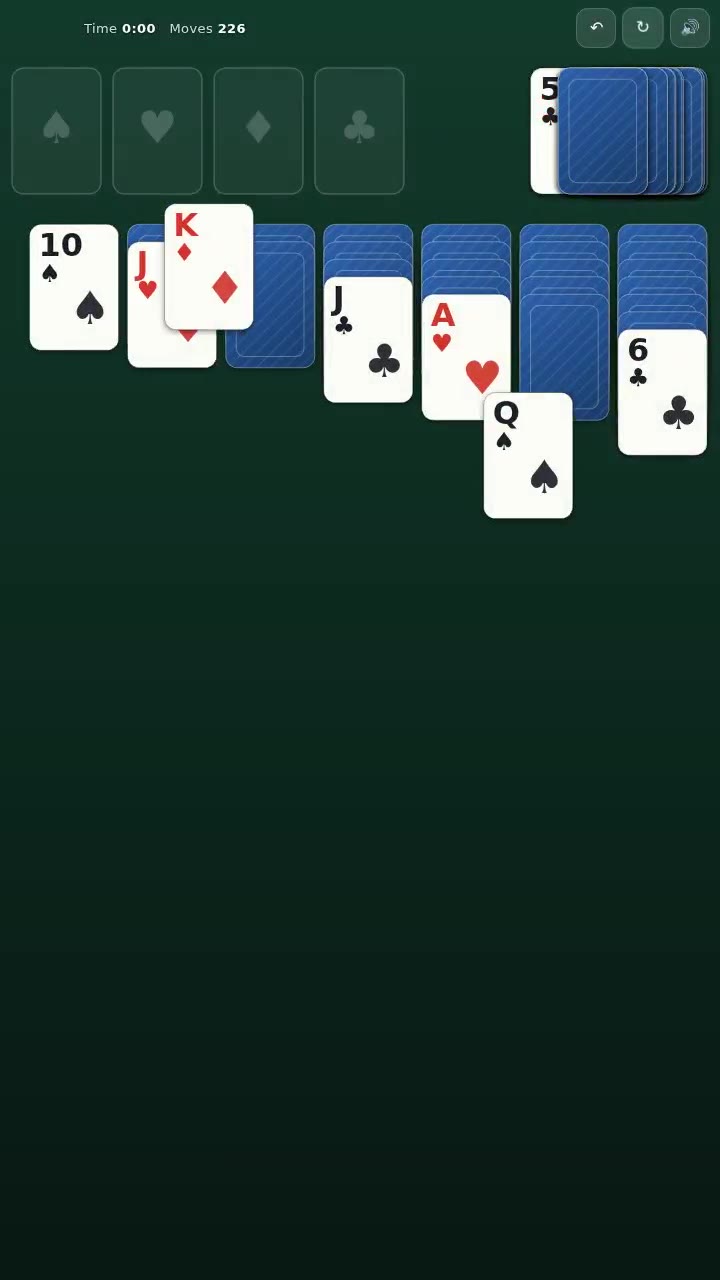
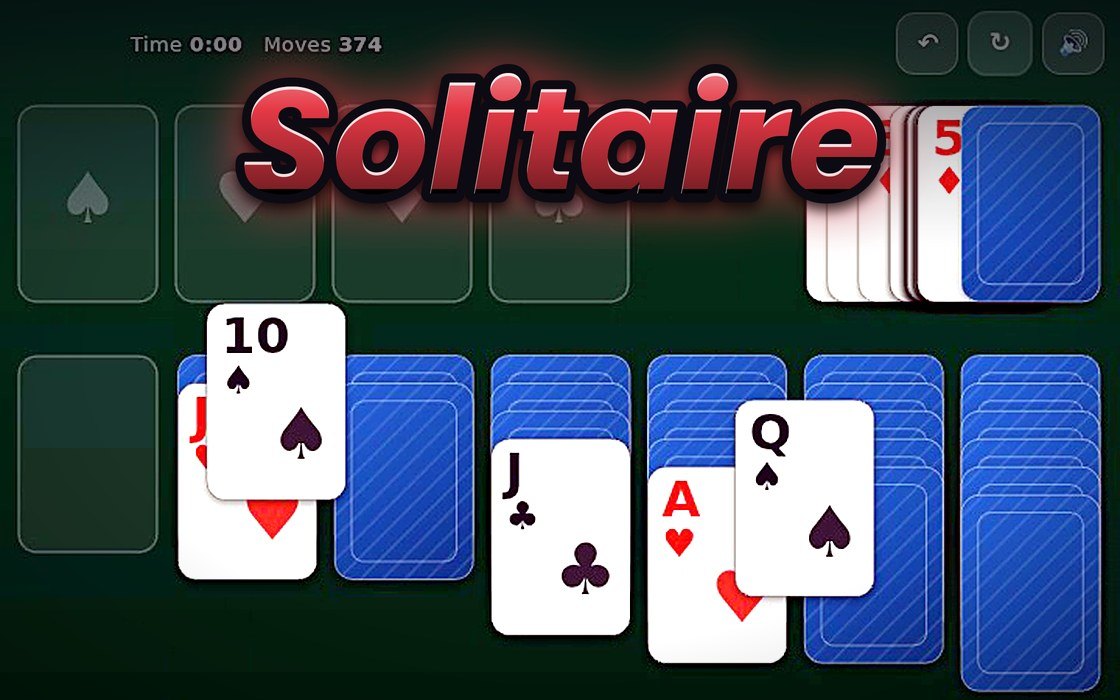
Oppoz’s Solitaire is Klondike: seven columns of cards, a stock to draw from, and four suit foundations waiting to be built from Ace to King. The visible cards give you immediate moves, while the hidden cards underneath make each cleared position useful. The objective is to bring all fifty-two cards home, one legal connection at a time.
The current browser build offers Draw 1 and Draw 3 before the deal. That choice changes how you work through the stock, while the same tableau and foundation rules remain in place. The interface shows elapsed time and moves, giving you a record of the attempt without requiring a reaction to every passing second. You can inspect the position before deciding what should happen next.
How to play: build down, send suits home
In the tableau, place a card one rank below a face-up card of the opposite colour. A valid descending sequence can move together. Empty columns accept Kings, while the foundation slots begin with their suit’s Ace and build upward in that same suit. Moving the last visible card from a column exposes the face-down card underneath when one remains.
Tap or click a card to try automatic placement, or drag it when you want to choose the destination yourself. The current automatic-placement logic checks foundations first for a single top card, then looks for a legal tableau destination. Manual dragging is useful when more than one legal choice exists and you want the arrangement to serve a particular plan.
The stock and undo support different decisions
Draw from the stock when you need another available card. The selected mode supplies one or three cards, and the waste can be recycled when the stock is empty. On desktop, Space draws, U undoes, and N begins a new deal. Undo also has an on-screen control, making it possible to inspect the effect of a move and return to the earlier arrangement.
The game stores undo snapshots of the piles, face-up states, and move count. That makes undo useful for examining a local decision, rather than only correcting an accidental drag. Look at what became available after a move and what became blocked. A card reaching a foundation is progress, but opening a hidden card can sometimes be the more informative action to consider first.
Why exposing a card is satisfying
The pleasure of Klondike often comes from turning a constrained arrangement into a position with options. Moving a sequence can reveal an unknown card, create a destination for another stack, or free a column for a King. Those changes are easy to see. A good move does something to the shape of the board as well as moving one card closer to its foundation.
My interpretation of this version’s design is that tap placement reduces repetitive handling, while dragging preserves a deliberate choice when the position needs it. The green table, readable suits, and restrained controls keep attention on the cards. This is an analysis of the interface and rules, not a quotation of developer intent or a claim that a particular strategy guarantees every deal can be won.
Give each move a purpose
For an opening attempt, look for moves that reveal face-down cards or connect useful sequences. Before emptying a column, consider which King could use it. Check the stock when the visible tableau offers no productive change, and use undo to compare a questionable decision with the position you had before it. Avoid treating every legal move as automatically helpful.
The current build offers automatic finishing when the stock and waste are empty and every tableau card is exposed. A completed game reports time, moves, and score, followed by a card celebration. The gallery below contains genuine frames from the official Oppoz preview. Follow the verified play link, choose a draw mode, and see how many useful options you can create from the next deal.
Inside the game