
Starstruck: nine questions between casual fan and deep-cut expert
Pick a Bollywood or Hollywood star, answer focused trivia rounds, and build your progress one set at a time. Starstruck is verified on Google Play and Oppoz.
Choose the knowledge you want to test
Starstruck turns celebrity trivia into a collection of focused rounds. Instead of throwing every entertainment question into one large quiz, it asks you to choose a universe and a star. Bollywood and Hollywood provide the starting points, while individual celebrities give each set a clear subject. The appeal begins with a familiar thought: I know this person’s films, so how much can I remember?
The Google Play release presents nine-question rounds, progressive difficulty, up to three stars per set, and a Daily Drop. The live Oppoz version is also a celebrity quiz with named stars and tiered sets. These are verified releases of the same game identity, although the Android and browser interfaces can differ as their builds develop.
How to play a round
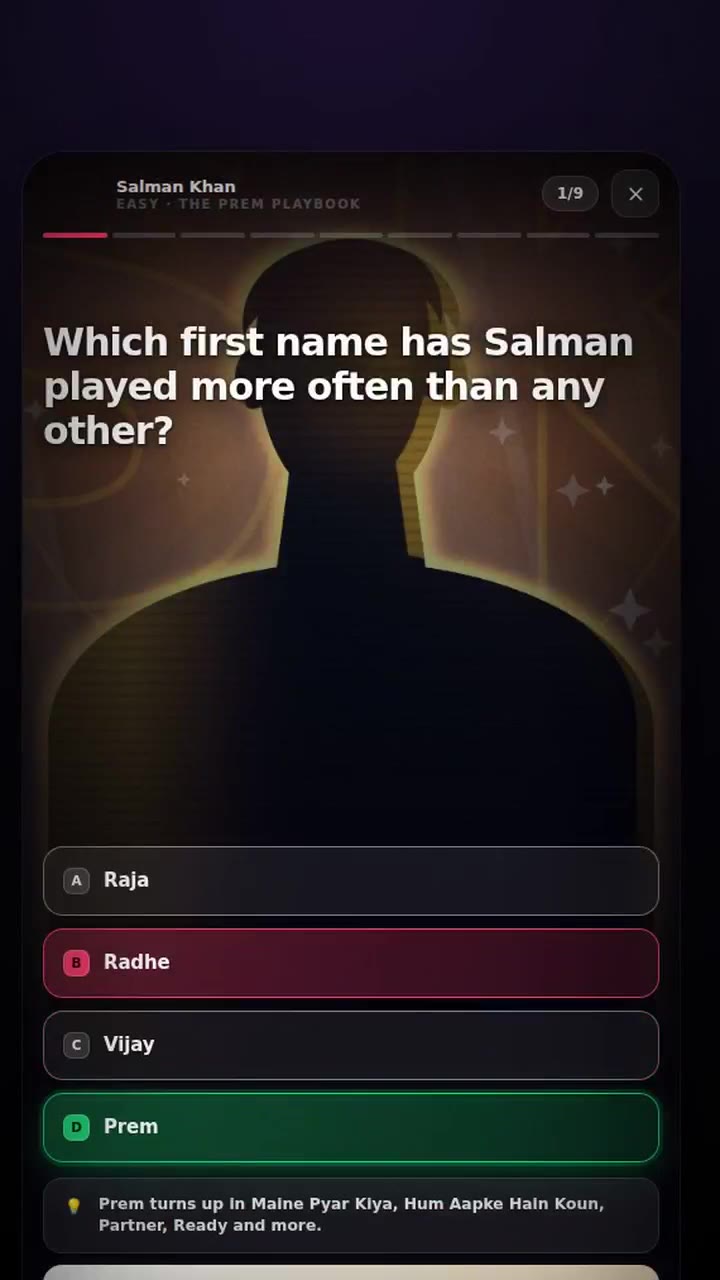
On mobile, select your universe, choose a celebrity, and tap an available question set. Read the question and select one of four answers. A small progress indicator keeps track of your place in the round. In the current browser source, choosing an answer reveals the correct option, supplies a short explanatory fact, and unlocks Next. The final question leads to your result.
Desktop players in the current Oppoz build can use A through D or the number keys one through four to select an answer, then Enter or Space to continue after feedback. Touch players have the same essential decision through the large answer buttons. Read the feedback before moving on: understanding a missed answer is more useful than simply remembering which button happened to be correct.
Small sets with a visible next challenge
The browser’s celebrity screen groups sets into Easy, Medium, and Hardcore Fan tiers. Clearing an earlier tier opens the next one. That arrangement makes difficulty a visible path rather than an unexpected wall. You can begin with recognisable material and work toward questions that require a closer familiarity with a career, instead of assuming every fan starts with the same knowledge.
The current quiz source shuffles both questions and answer positions when starting a set. Replaying therefore asks you to recognise the content, rather than repeat a memorised sequence of taps. The result screen revisits the questions and your choices. Together, immediate feedback and later review give a round more value than a single final score.
Why it feels personal
Trivia becomes more engaging when the subject already means something to you. Remembering a film role can bring back a scene, a soundtrack, or a conversation about that film. Selecting a particular star narrows the challenge to an area you care about. A wrong answer can then become a useful discovery rather than an arbitrary obscure fact from a subject you never chose.
My reading of the design is that its short sets and visible stars make progress easy to interpret. Nine questions are a concrete commitment, and a stronger result gives a clear reason to retry. The deeper tiers offer a way to test growing confidence. These are observations about the structure and its possible appeal, not documented claims about player retention or the team’s intentions.
A good way to approach your first session
Choose a celebrity whose work you know, finish one approachable set, and inspect the answers you missed before moving to a harder tier. If you return to that set, try explaining why an option is right before tapping it. This turns a repeat attempt into a check of understanding. The Daily Drop on Android supplies another focused entry point when you want a short challenge.
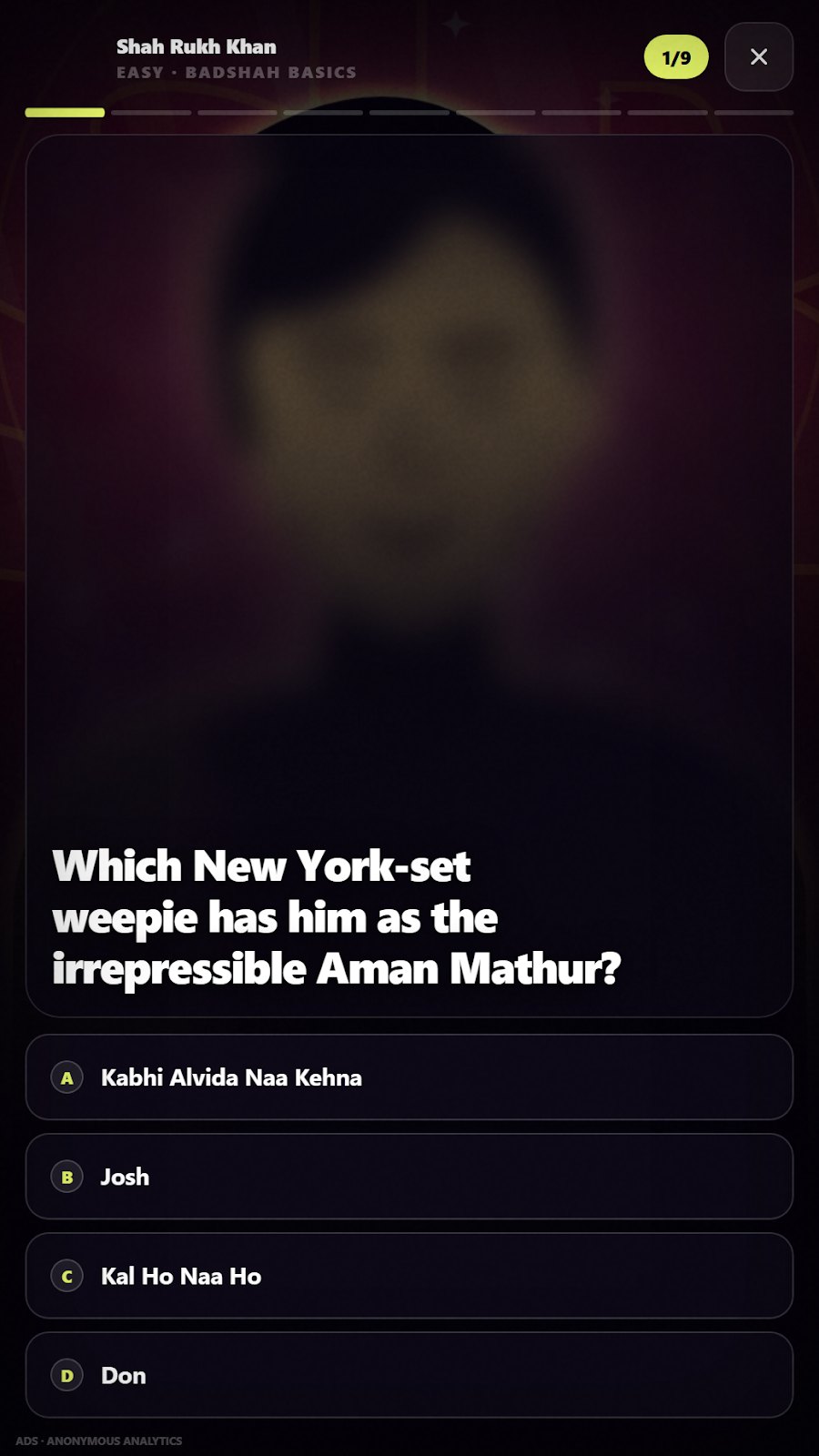
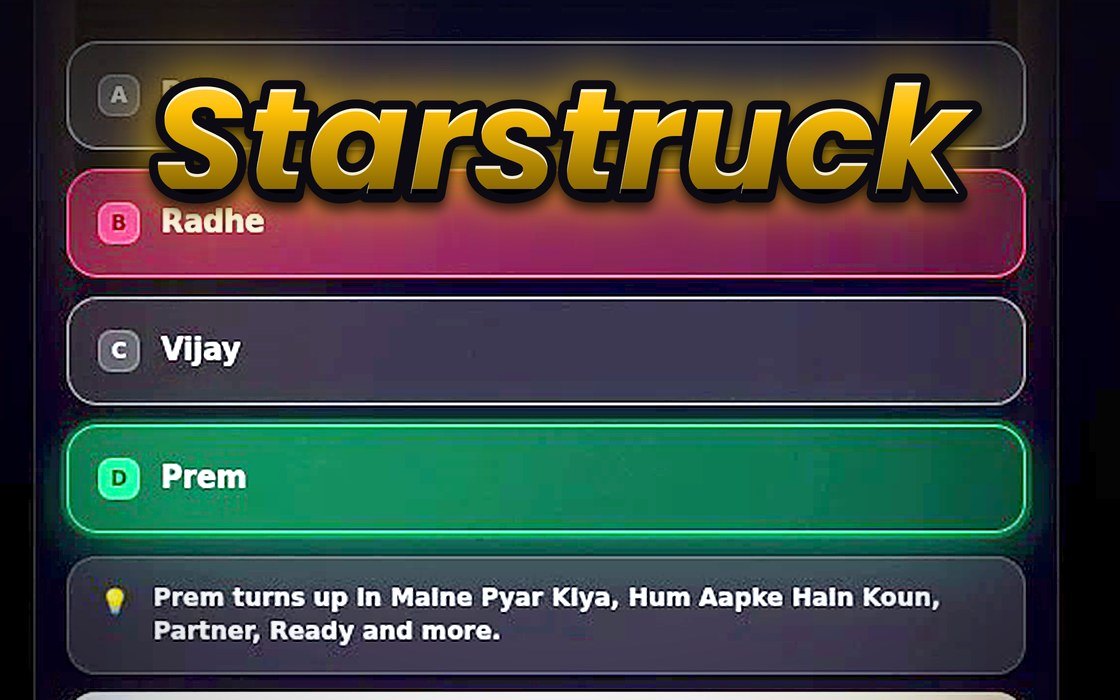
The game’s bold portrait presentation keeps the question and its options central. The images below show genuine question screens, including a clearly labelled frame from the official Oppoz preview. Use the named links below to play in the browser or install from Google Play. A matching CrazyGames or Playgama release remains unverified; no guessed listing is included as a play destination.
Inside the game